
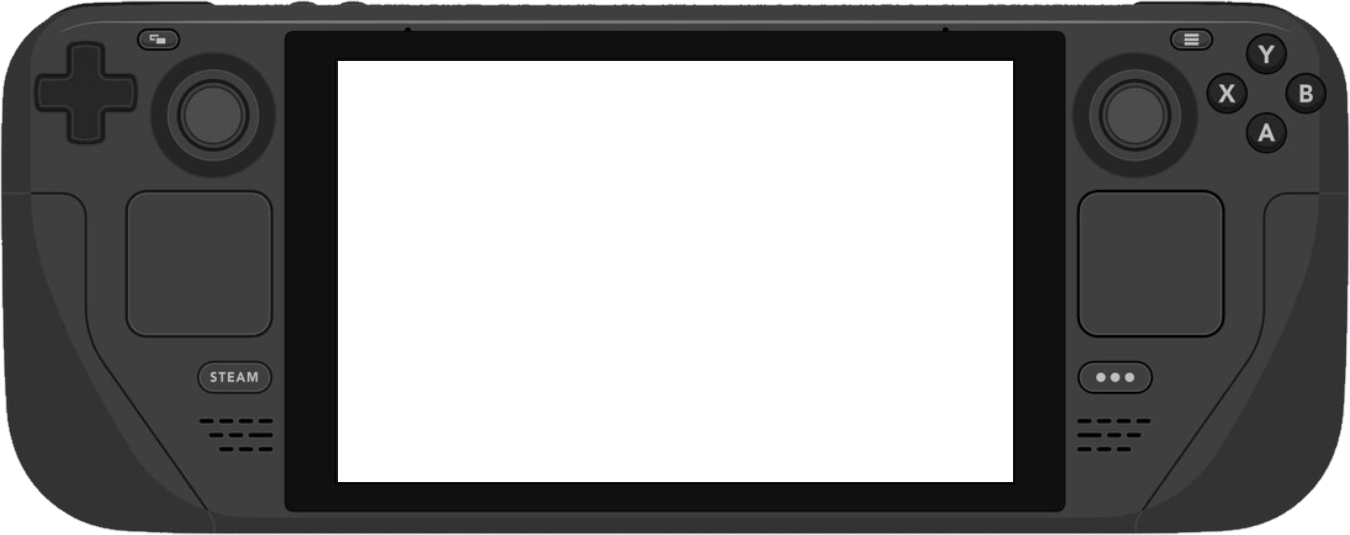
On the Deck
The game renders at native resolution, the Deck’s own size. The Deck does not draw a bigger frame.
01Hotel desk, train seat, the couch. Play on the iPad you brought. One USB‑C cable carries the picture and the sound. Controls stay on the Deck.
The iPad upscales that frame to its Retina display, and to the OLED panel when the iPad Pro has one. The cable carries the picture, and the Wi‑Fi in the room is not involved.
The game renders at native resolution, the Deck’s own size. The Deck does not draw a bigger frame.
01One USB‑C cable carries the picture. Hotel Wi‑Fi, train Wi‑Fi, and no Wi‑Fi at all are the same to the picture.
02MetalFX upscales the native resolution to take advantage of the Retina display. On an OLED iPad Pro, that is the Ultra Retina XDR panel. CAS and bilinear are there too. The frame stays 16:10, or it fills the screen.
03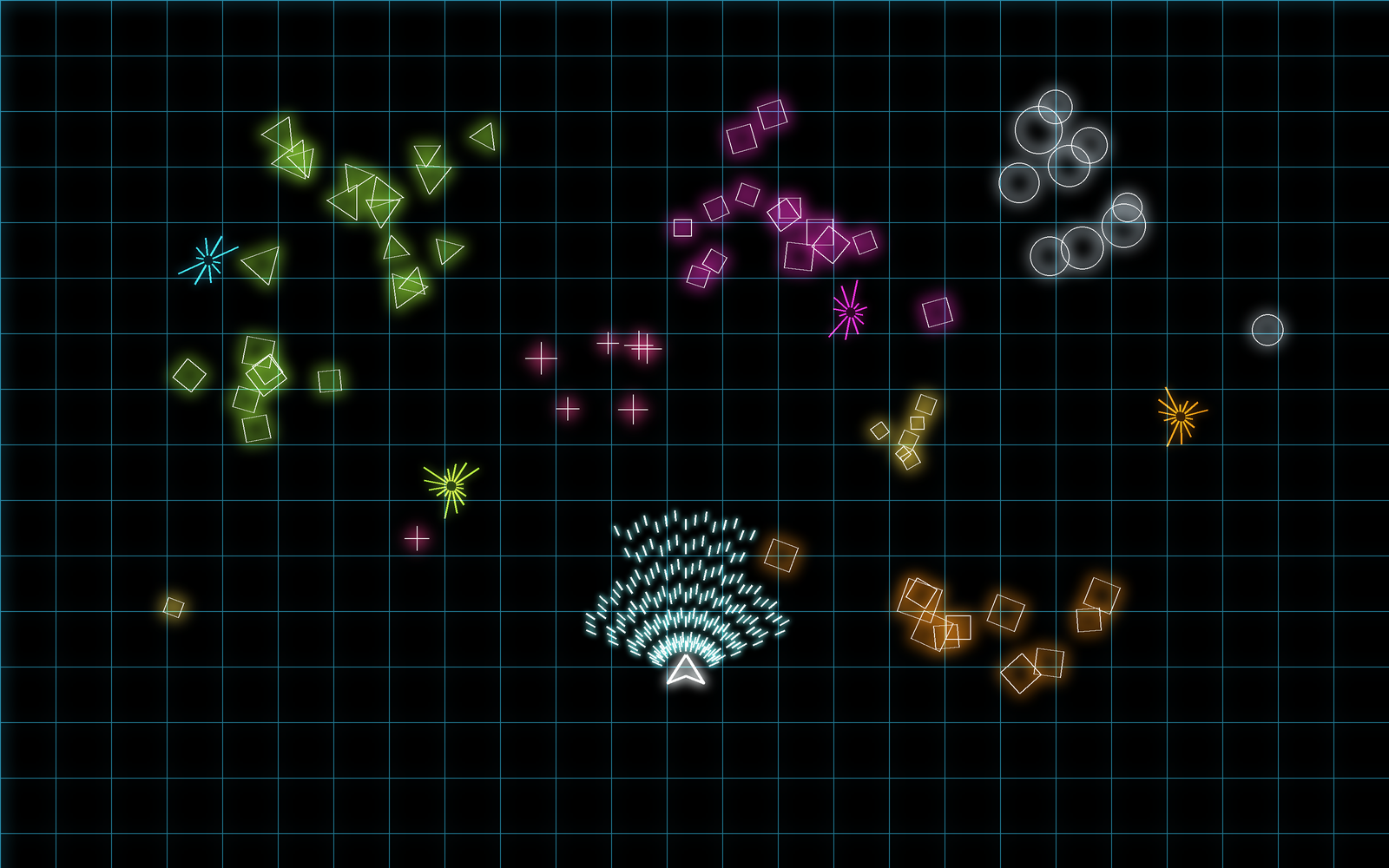
SIZE
SHARPNESS
Original keeps the frame at 16:10. Deck Parity rebuilds the edges.
The screen is the iPad already in your bag. No monitor, dock, or capture card to pack. The same cable works on the couch at home.
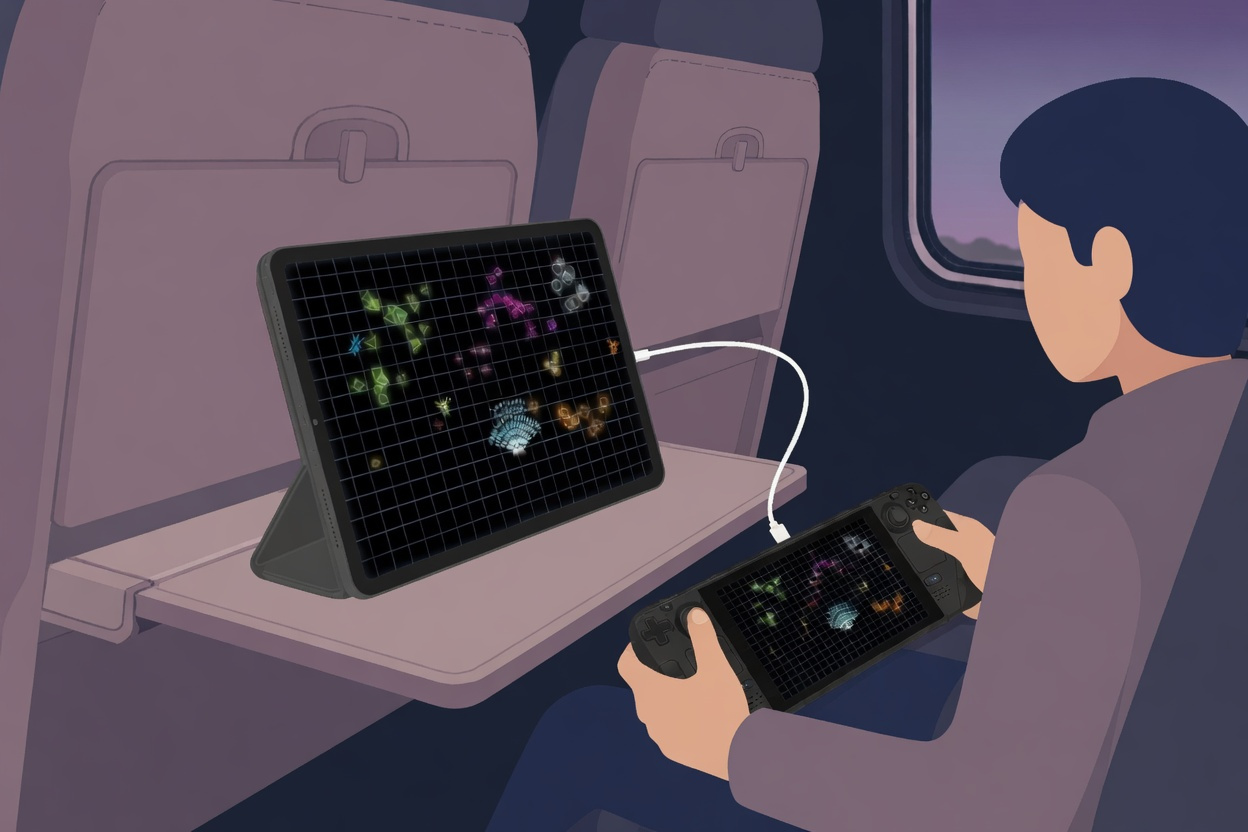
A desk that isn’t yours, or a seat with a tray table. Prop up the iPad and plug in. The picture doesn’t need the Wi‑Fi there.
01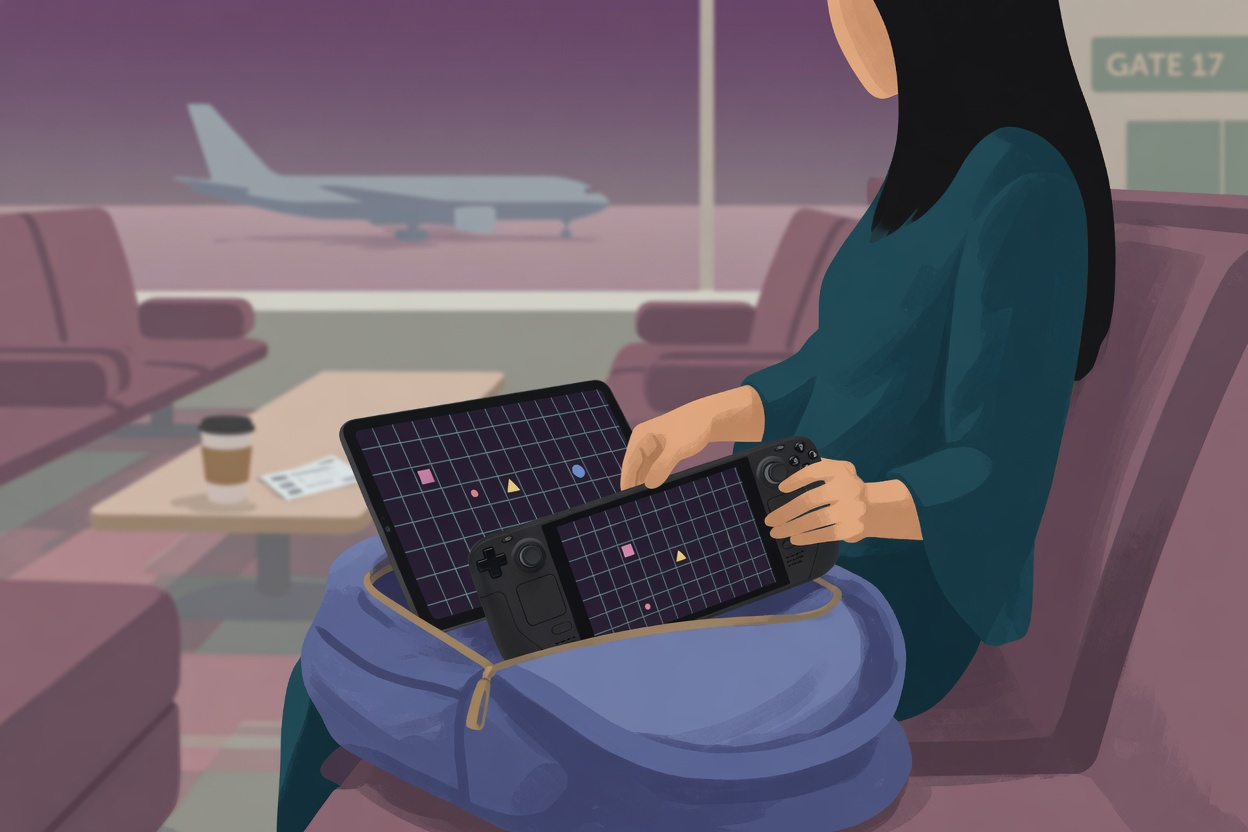
If the iPad is packed, the screen is packed. The Deck comes out of the same bag.
02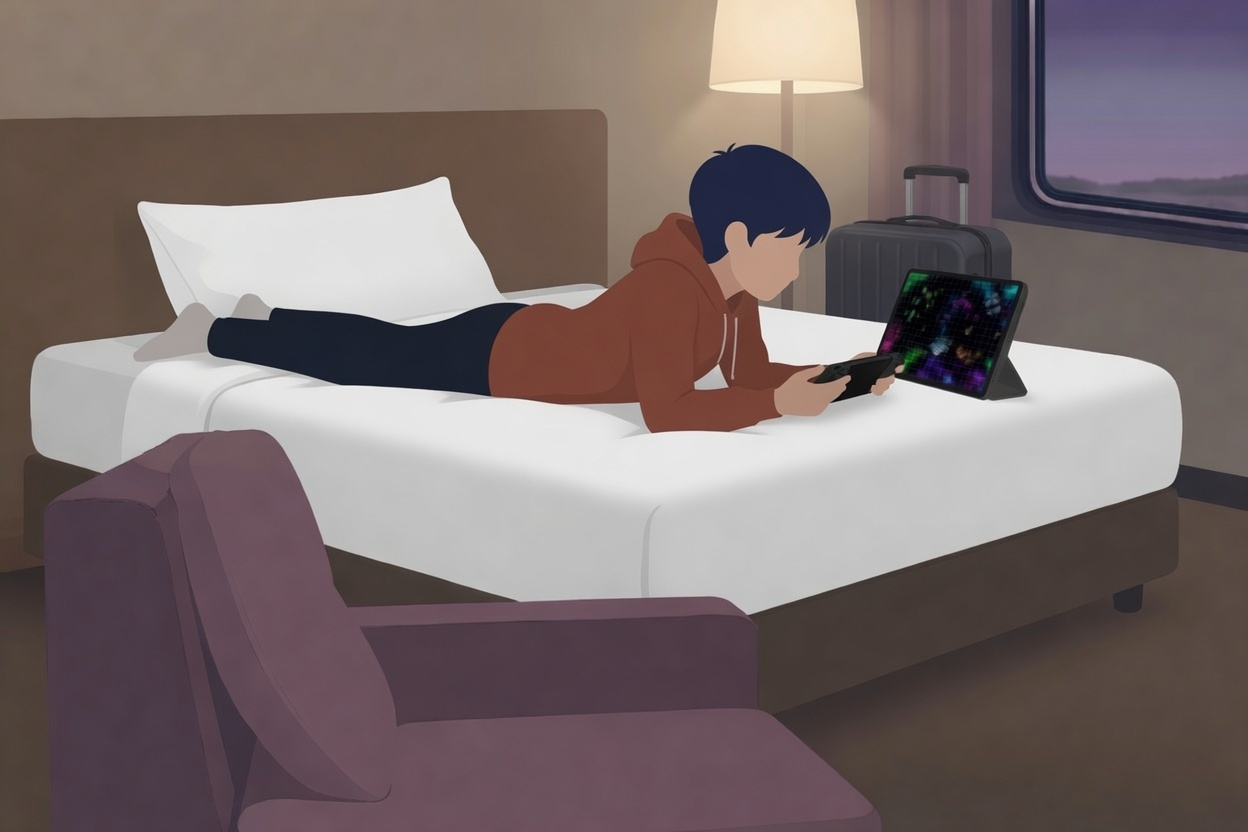
The Deck stays in your hands. The iPad sits on the bed in front of you.
03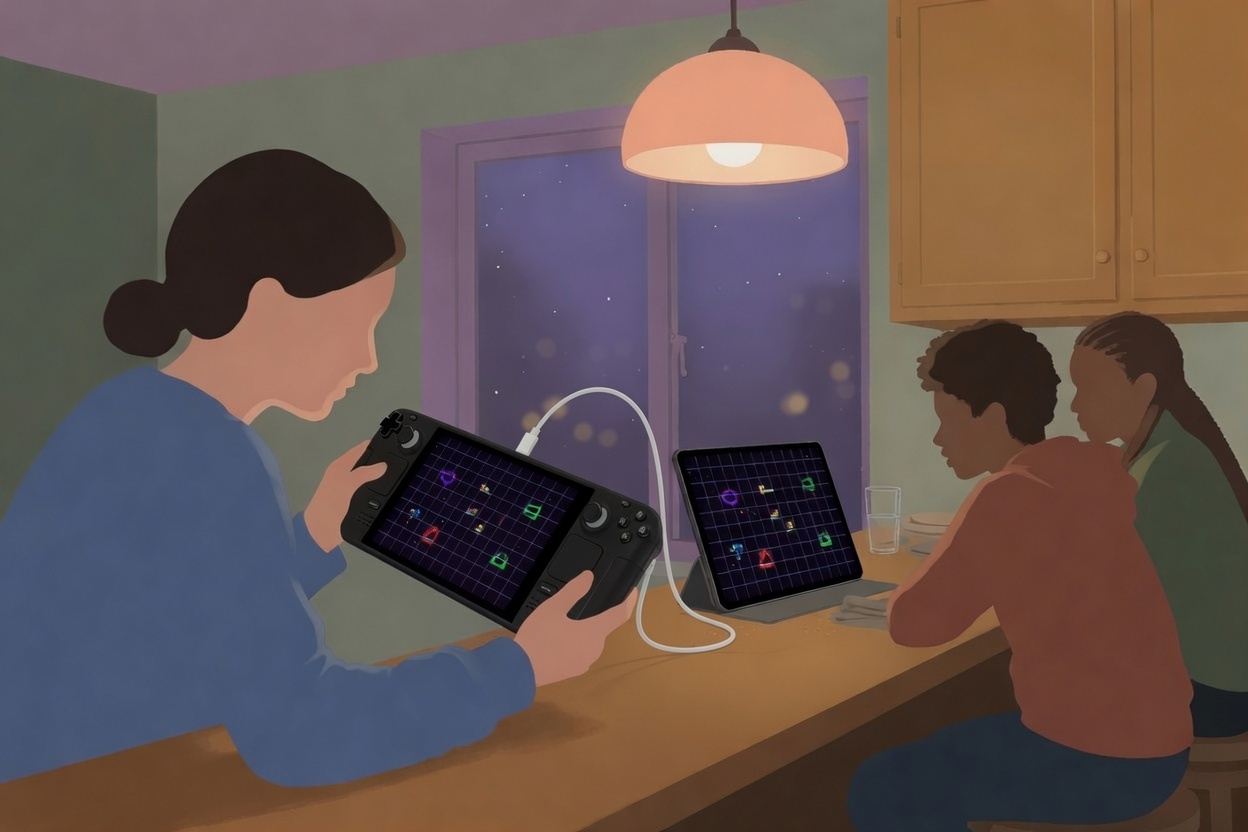
A kitchen bar, a dorm, a friend’s place. The iPad faces the people watching. No dock or HDMI on the counter.
04One run in Desktop Mode. Developer Mode stays off.
iPad. USB‑C, on iPadOS 17 or later.
Deck. Steam Deck LCD or OLED.
Cable. One USB‑C cable carries the picture and the sound.
Wi‑Fi. Only while the installer downloads. The picture stays on the cable.
Open io.deckscreen.app. It shows the key fingerprint. Match it before you run the installer.
For the trip, and the couch after.
Yes. The screen is the iPad already in your bag. You bring the Deck and one USB‑C cable. Install DeckScreen before you leave.
No. One USB‑C cable. No capture card, dock, or HDMI.
No. The picture travels on the cable. Wi‑Fi is used only while you download the installer.
Steam Deck LCD and Steam Deck OLED on SteamOS. Gaming Mode and Desktop Mode both work.
USB‑C iPads on iPadOS 17 or later: iPad Pro, iPad Air, iPad mini, and iPad (10th generation).
One USB‑C cable carries the picture and the sound. The controls stay on the Deck.
One USB‑C cable carries the picture and the sound. Touch stays on the Deck.
It copies DeckScreen into the deck user’s home and starts it for that user. It does not use sudo, and it does not change the SteamOS system partition. Developer Mode stays off.
DeckScreen on the Deck. io.deckscreen.app on the iPad.
DeckScreen for iPad
DeckScreen turns a USB‑C iPad into a wired screen for a Steam Deck.
For Steam Deck LCD and OLED. Requires a USB‑C iPad on iPadOS 17 or later.
The screen is the iPad already in your bag. No monitor, dock, or capture card to pack. The same cable works on the couch at home.
A desk that isn’t yours, or a seat with a tray table. Prop up the iPad and plug in. The picture doesn’t need the Wi‑Fi there.
01If the iPad is packed, the screen is packed. The Deck comes out of the same bag.
02The Deck stays in your hands. The iPad sits on the bed in front of you.
03A kitchen bar, a dorm, a friend’s place. The iPad faces the people watching. No dock or HDMI on the counter.
04Open DeckScreen on the iPad. Match the key before you install.
In Desktop Mode, on the Deck. It copies DeckScreen into your home and starts it for you. It does not use sudo, and it does not change the SteamOS system partition. Developer Mode stays off.
Tap Trust on the iPad. One USB‑C cable carries the picture and the sound.
USB‑C iPads on iPadOS 17 or later: iPad Pro, iPad Air, iPad mini, and iPad (10th generation).
Steam Deck LCD and Steam Deck OLED on SteamOS. Gaming Mode and Desktop Mode both work.
One USB‑C cable carries the picture and the sound.
Price
$9.99once
The iPad app is $9.99, paid once through the App Store when it is listed. The companion on the Steam Deck is free.
Paid once through Apple.
The companion is free.
There is no subscription.
Yes. You bring the Deck and one USB‑C cable. The iPad is already in your bag. The picture stays on that cable, not on the Wi‑Fi in the room. Set up DeckScreen before you leave.
No. One USB‑C cable. No capture card, dock, or HDMI.
No. The iPad is the screen. Touch stays on the Deck.
The iPad app is $9.99, paid once through the App Store. The companion on the Steam Deck is free. There is no subscription.
Then open DeckScreen on the iPad. The iPad app is $9.99, paid once. The companion on the Steam Deck is free. The app is not on the App Store yet. Join the waitlist and we will write when it is.